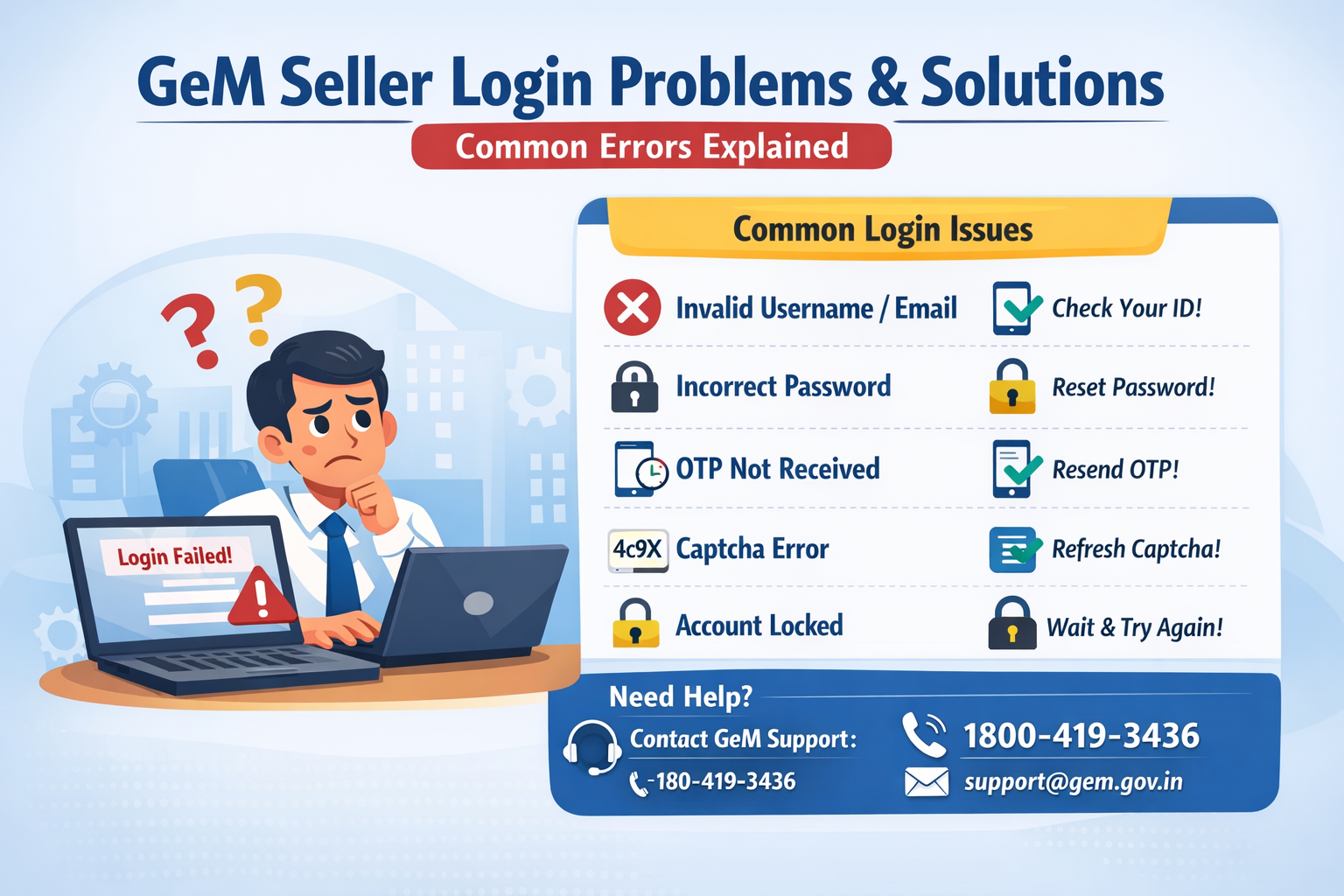
Logging in to the GeM (Government e-Marketplace) portal is usually simple, but sometimes sellers face unexpected errors. These errors can be confusing and may stop you from accessing your dashboard.
In this blog, we will explain the most common GeM login problems, their causes, and easy solutions in simple English.
1. What is GeM Seller Login?
GeM Seller Login is the process of signing in to your GeM seller account using:
-
Your registered email ID
-
Password
-
CAPTCHA
-
And sometimes OTP (One-Time Password)
A correct login allows you to:
-
Upload products
-
Apply for bids
-
Manage orders
-
Track payments
But when login does not work, it becomes difficult to continue your business on GeM. Let’s understand the common issues.
2. Common GeM Seller Login Problems & Their Solutions
2.1. Wrong Username or Email ID
Problem:
You enter your email ID but GeM shows “Invalid Username” or “User Not Found”.
Why It Happens:
-
You typed the email incorrectly
-
You used a different email for registration
-
Your account is not fully activated
Solution:
-
Check spelling carefully
-
Try the email you used during registration
-
Search your email inbox for GeM registration confirmation
-
If still not working, click ‘Forgot Username’ on the login page
2.2. Incorrect Password
Problem:
GeM shows “Invalid Password”.
Why It Happens:
-
Wrong password
-
Caps Lock is on
-
You recently changed the password and forgot
Solution:
-
Re-type the password slowly
-
Check if Caps Lock is OFF
-
If you forgot, click ‘Forgot Password’ and reset it using your registered mobile number or email
2.3. OTP Not Received
Problem:
You enter your email/password correctly but the OTP does not come.
Why It Happens:
-
Network issue
-
Wrong mobile number
-
OTP delivery delay on servers
Solution:
-
Wait for 2–3 minutes
-
Click Resend OTP
-
Make sure your mobile network is strong
-
Check if DND (Do Not Disturb) is activated; disable it temporarily
-
Update your mobile number in profile (if needed)
2.4. CAPTCHA Not Loading or Showing Error
Problem:
Captcha not visible or showing “Invalid Captcha”.
Why It Happens:
-
Browser loading issue
-
Slow internet
-
Wrongly typed captcha
Solution:
-
Refresh the page
-
Click on ‘Refresh Captcha’
-
Use a different browser
-
Ensure stable internet connection
2.5. Account Locked
Problem:
After many wrong attempts, GeM shows:
“Your account has been locked due to multiple failed login attempts.”
Why It Happens:
You entered the wrong password many times.
Solution:
-
Wait for 15–30 minutes
-
Reset your password through ‘Forgot Password’
-
Avoid multiple failed attempts in future
2.6. Browser Compatibility Issues
Problem:
Page loading slow or some buttons not working.
Why It Happens:
-
Old browser
-
Too many cookies or cache
-
Unsupported browser
Solution:
-
Use the latest version of Chrome or Edge
-
Clear browser cache/history
-
Disable ad-blockers and extensions
2.7. GeM Server Down / Maintenance
Problem:
“Server Error"
“Site Temporarily Not Available”
“504 Gateway Timeout”
Why It Happens:
-
GeM server is down
-
Scheduled maintenance
-
High traffic on the website
Solution:
-
Try again after a few minutes
-
Check GeM’s official social media for updates
-
Avoid peak hours (11 AM–3 PM)
2.8. Account Deactivated or Suspended
Problem:
You cannot log in because your account is disabled.
Why It Happens:
-
Incomplete documentation
-
Verification pending
-
Policy violations
Solution:
-
Check GeM messages/email for the reason
-
Upload missing documents
-
Contact GeM support through the Helpdesk
3. How to Avoid Login Problems in Future
Here are some simple tips to keep your GeM login smooth:
-
Always use the same browser for GeM
-
Save your login details safely
-
Keep your mobile and email active
-
Avoid logging in from multiple devices
-
Update password every 3–6 months
-
Keep your documents verified and updated
4. When Should You Contact GeM Support?
Contact GeM helpdesk if:
-
You cannot reset the password
-
Mobile number/email is changed
-
Account is deactivated
-
Login repeatedly fails without reason
GeM Support Email:
support@gem.gov.in
Conclusion
GeM login problems are common, but most of them are easy to solve.
By following the steps above, sellers can quickly fix login errors and access their dashboard without stress. A little caution — like keeping your password safe and updating your details — can help you avoid most issues in the future.