Introduction
GeM (Government e-Marketplace) is an official online platform of the Government of India where sellers can directly sell their products and services to government departments, ministries, PSUs, and autonomous bodies.
If you are a business owner, MSME, manufacturer, OEM, or reseller, registering on the GeM portal can open the door to regular and large government orders.
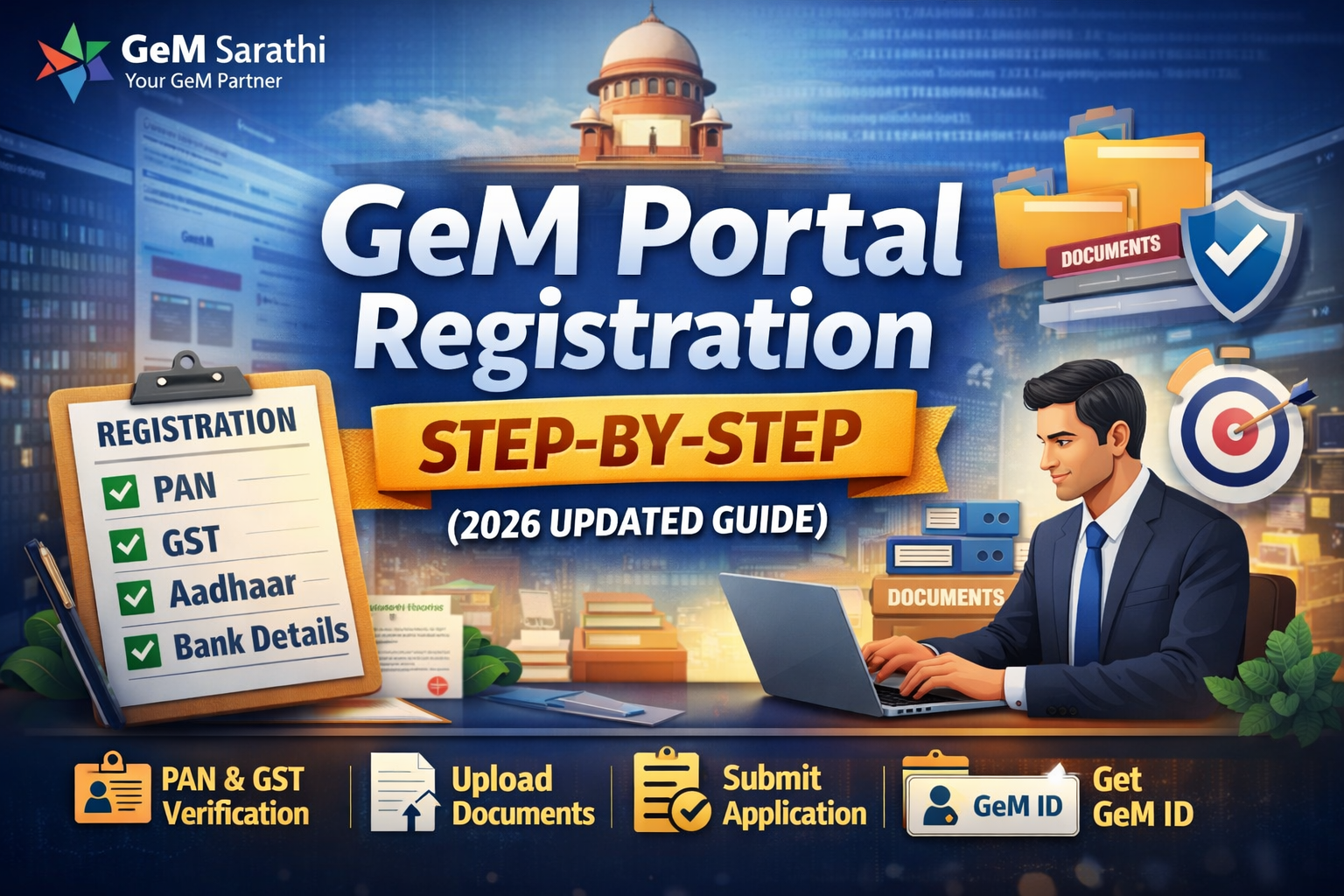
In this 2026 updated guide, we explain GeM portal registration step-by-step in simple English, so beginners can easily understand the full process.
What is GeM Portal?
GeM Portal (https://gem.gov.in) is a government e-procurement platform launched by the Government of India to make public procurement transparent, efficient, and paperless.
Through GeM:
Government buyers purchase products and services
Sellers participate in bids and direct purchase orders
Payments are made securely through the system
Who Can Register on GeM Portal?
The following entities can register as sellers on GeM:
Proprietorship Firms
Partnership Firms
Private Limited Companies
LLPs
MSMEs
OEMs (Original Equipment Manufacturers)
Authorized Resellers & Distributors
Service Providers
👉 Both new and existing businesses can apply.
Benefits of GeM Portal Registration
1. Direct Access to Government Buyers
You can sell directly to central and state government departments.
2. Transparent & Paperless Process
No middlemen, fully online process.
3. Timely Payments
Payments are usually processed within defined timelines.
4. Equal Opportunity for MSMEs
Small businesses get fair chances to compete with large companies.
5. Nationwide Market
Sell your products and services across India.
Documents Required for GeM Seller Registration (2026)
Before starting registration, keep these documents ready:
PAN Card (Firm / Individual)
Aadhaar Card (linked with mobile)
Active Mobile Number & Email ID
GST Registration Certificate (mandatory for most sellers)
Bank Account Details (Cancelled Cheque / Passbook)
Business Address Proof
MSME / Udyam Certificate (optional but recommended)
OEM Authorization Letter (for resellers, if applicable)
Step-by-Step Process to Register on GeM Portal (2026)
Step 1: Visit Official GeM Website
Go to the official GeM portal:
👉 https://gem.gov.in
Click on “Sign Up” and select “Seller”.
Step 2: Aadhaar Verification
Enter Aadhaar number
OTP will be sent to Aadhaar-linked mobile
Verify OTP to proceed
⚠️ Aadhaar verification is mandatory.
Step 3: PAN Verification
Enter PAN number
PAN is verified automatically
Business type is identified through PAN
Step 4: Business Details Entry
Fill in:
Business name
Organization type
Date of incorporation
Registered business address
Ensure details match PAN & GST records.
Step 5: GST Validation
Enter GSTIN
System fetches data from GST portal
Address and legal name must match exactly
⚠️ Any mismatch can cause registration failure.
Step 6: Bank Account Verification
Enter bank account number & IFSC
Upload cancelled cheque
Bank account must be in firm name
Step 7: Contact Details
Enter active email ID
Enter mobile number
OTP verification required
Step 8: Seller Profile Creation
Select product categories
Add business description
Upload required documents
This profile helps buyers trust your business.
Step 9: Final Review & Submission
Review all details carefully
Submit the application
GeM ID is generated after successful submission
How Long Does GeM Registration Take?
Basic registration: 1–2 working days
Full seller activation: 2–5 working days (if documents are correct)
Delays happen due to:
GST mismatch
Incorrect bank details
Wrong document uploads
Common Problems During GeM Registration
1. GST Address Mismatch
GST address must match business address exactly.
2. Bank Verification Failure
Account name mismatch is the most common issue.
3. Aadhaar OTP Not Received
Mobile number must be linked with Aadhaar.
4. Seller Account Rejected
Incomplete or incorrect information leads to rejection.
Tips for Smooth GeM Registration
Use correct and updated documents
Avoid spelling mistakes
Match PAN, GST, and bank details
Upload clear and readable documents
Take professional help if unsure
Can You Register on GeM Without GST?
In most cases, GST is mandatory.
Only a few exempted service categories are allowed without GST.
Why Take Professional Help for GeM Registration?
Many sellers face rejection or delays due to small mistakes. A professional GeM consultant helps in:
Error-free registration
Faster approval
Correct category selection
Future support for bids & product upload
How GeM Sarathi Can Help You
GeM Sarathi provides complete GeM support services:
New GeM Seller Registration
GST & Profile Verification Support
Product Upload Assistance
Bid Participation Support
Account Issue Resolution
👉 With expert guidance, you save time and avoid costly mistakes.
Conclusion
GeM portal registration is the first and most important step to start selling to government buyers. If done correctly, it can bring consistent business growth and credibility.
Follow this 2026 updated step-by-step guide carefully or take expert help to ensure smooth registration on the GeM portal.