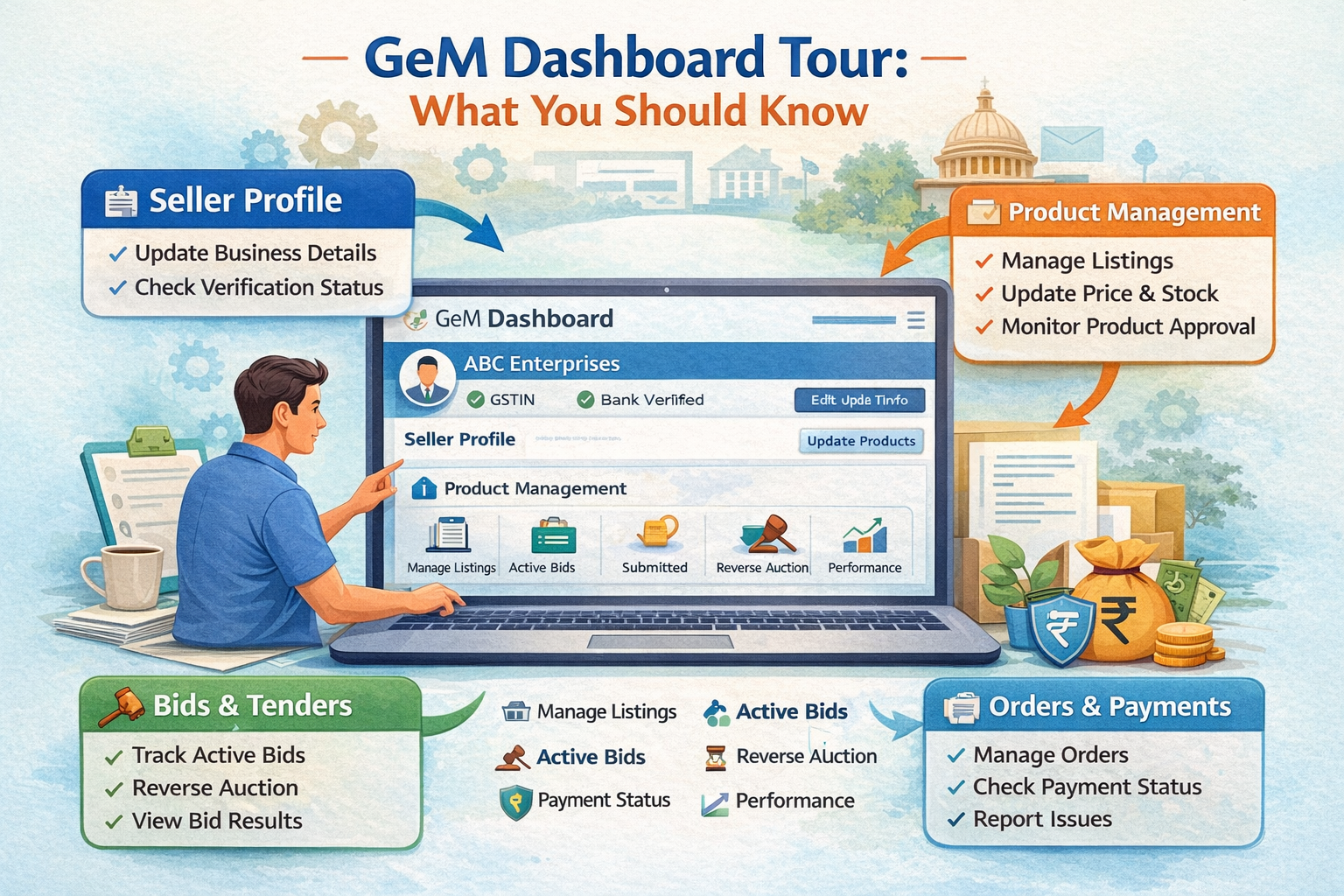
The Government e-Marketplace (GeM) is an online platform where businesses can sell products and services directly to government departments. Once you register as a seller, the most important area you will use every day is the GeM Dashboard.
The GeM Dashboard is your control panel. It helps you manage products, bids, orders, payments, and performance in one place. If you understand how the dashboard works, you can save time, avoid mistakes, and grow your government business faster.
1. Seller Profile Section
The first thing you see on your dashboard is your Seller Profile. This section shows your business details like company name, GST number, contact details, and bank information.
It is very important to keep this section updated. Incorrect details can cause problems in payment or order approval. Always check that your profile information is complete and accurate.
2. Product Management
The Product Management section allows you to:
-
Add new products
-
Edit existing listings
-
Update price and stock
-
Check product approval status
Clear product titles, correct specifications, and proper pricing increase your chances of getting orders. Make sure your product descriptions are simple and accurate.
3. Bid and Tender Section
This section helps you track:
-
Active bids
-
Submitted bids
-
Bid results
-
Reverse auction